You’ve probably seen the lobster. 🦞 It’s all over your feed, it’s got more GitHub stars than most billion-dollar startups, and roughly nobody in your group chat can explain what it actually is. Let’s fix that.
The one-sentence version
OpenClaw is a free, open-source AI assistant that lives on your own computer and can actually do things — send messages, manage your calendar, run tasks — instead of just typing replies at you.
Think of it less like ChatGPT (a smart chatbot you talk to) and more like a very eager intern who has the keys to your laptop. That comparison’ll matter later. Keep it in your back pocket.
Where it came from (the lobster origin story)
OpenClaw was built by an Austrian developer named Peter Steinberger and released in November 2025. It got renamed twice in about two months — first to “Moltbot”, then to “OpenClaw” — partly because Anthropic (the Claude people) raised a trademark complaint.
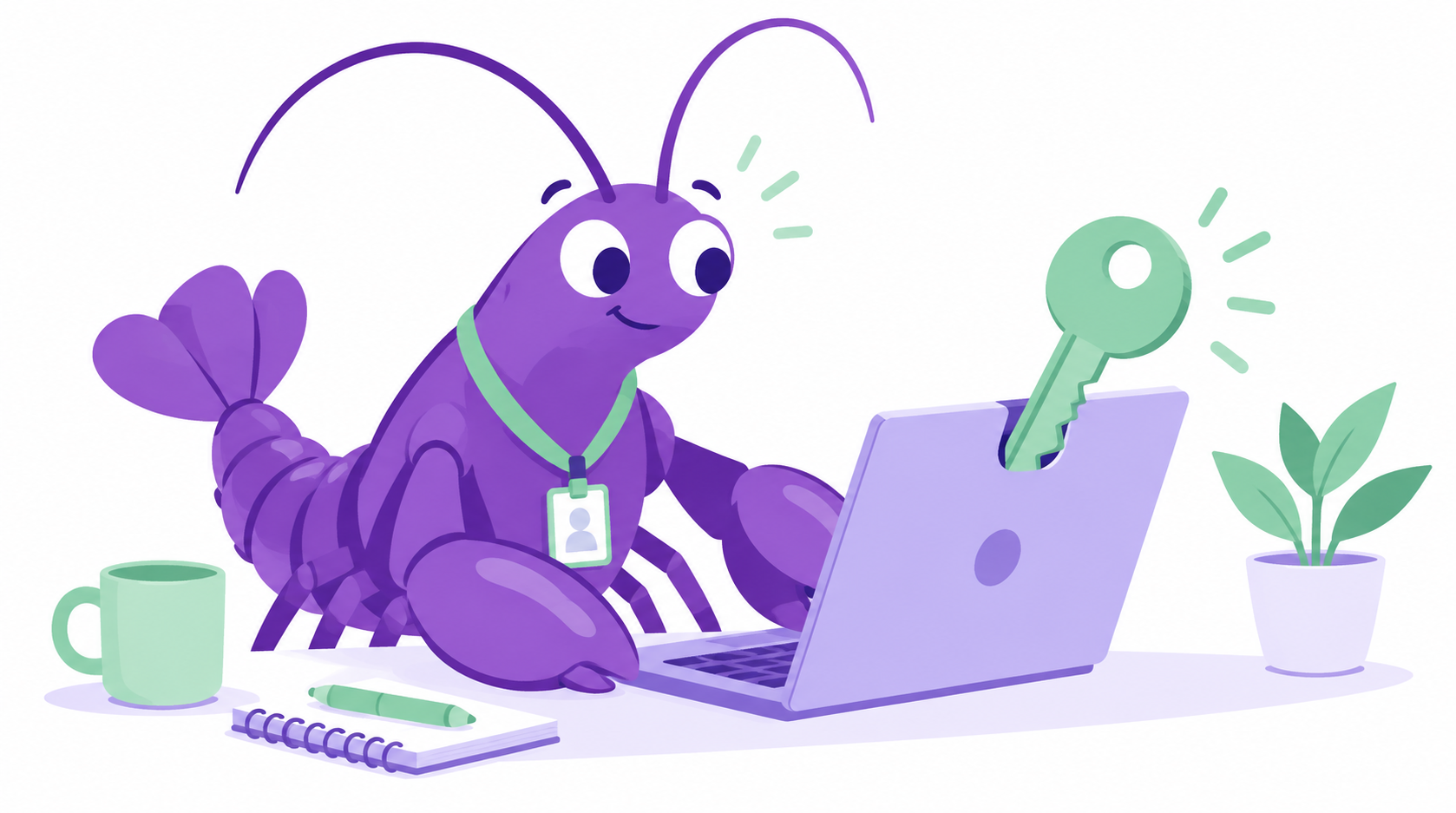
The lobster survived every rename, and there’s actually a reason: it started as a pun on “Clawd,” and lobsters molt — which is roughly what the project kept doing to its own name. Developers think this is hilarious.
In just a few months it collected more than 100,000 GitHub stars — internet-speak for “developers are losing their minds over this.” That kind of growth almost never happens. It’s the software equivalent of a garage band selling out a stadium.
What makes it different from ChatGPT
Three things, in plain English:
- The app runs on your machine. Your files and chat history live locally, as plain text you can actually open. But heads up — whatever the AI reads still gets sent off to the AI “brain” you picked (Claude, GPT, and friends), unless you run a local one. More on that in a second.
- It does things. It plugs into WhatsApp, Telegram, Discord, Slack, your email, your calendar, even your smart lights. You ask; it acts.
- It’s free — sort of. The software costs nothing. But it needs an AI “brain,” and that’s where money can sneak in (more on that below).
So what does it actually cost?
The app itself: $0. The brain it borrows: that depends.
- Bring your own AI key (Claude, GPT, and friends): you pay per use — roughly $10–70/month depending on how hard you push it.
- Run a free local brain (a tool called Ollama): literally $0, forever — though local brains are noticeably less capable, so think intern vs. senior intern.
Translation: it’s free to download, but “free to run” depends on which brain you feed it.
The part nobody puts in the headline
Here’s the thing we’re not going to soft-pedal: OpenClaw is powerful because it has deep access to your machine — and that’s also exactly why it’s risky. Giving an AI intern the keys to your laptop is amazing, right up until the intern gets tricked.
It’s already had a serious security scare (a one-click hack researchers rated 8.8 out of 10), and a security audit found 341 malicious add-ons hiding in its community store — some built to quietly drain crypto wallets and passwords. That’s a whole story on its own — and we wrote it: Is OpenClaw Safe? The Honest Truth →
Should you care?
If you’re AI-curious and love tinkering: OpenClaw is one of the most interesting things to happen in 2026, full stop. If you just want an AI to help write emails: this is probably more power (and more risk) than you need, and a normal chatbot is the calmer choice.
Either way, now you can explain the lobster at dinner. You’re welcome.
Want to see how it compares to a more locked-down tool? Read OpenClaw vs Claude Code →