Part 2 of our AI security series. In Part 1 we looked at how attackers trick AI systems with manipulated inputs. This time it’s a simpler but just as important question: what are you typing into ChatGPT and friends — and what should you keep out?
The short answer: an AI chat is not a private vault. It’s more like a sticky note you hand to a company you don’t know. Most people know this in theory — and still paste in passwords, bank details, or work secrets, because it’s faster than a search engine or asking a coworker.
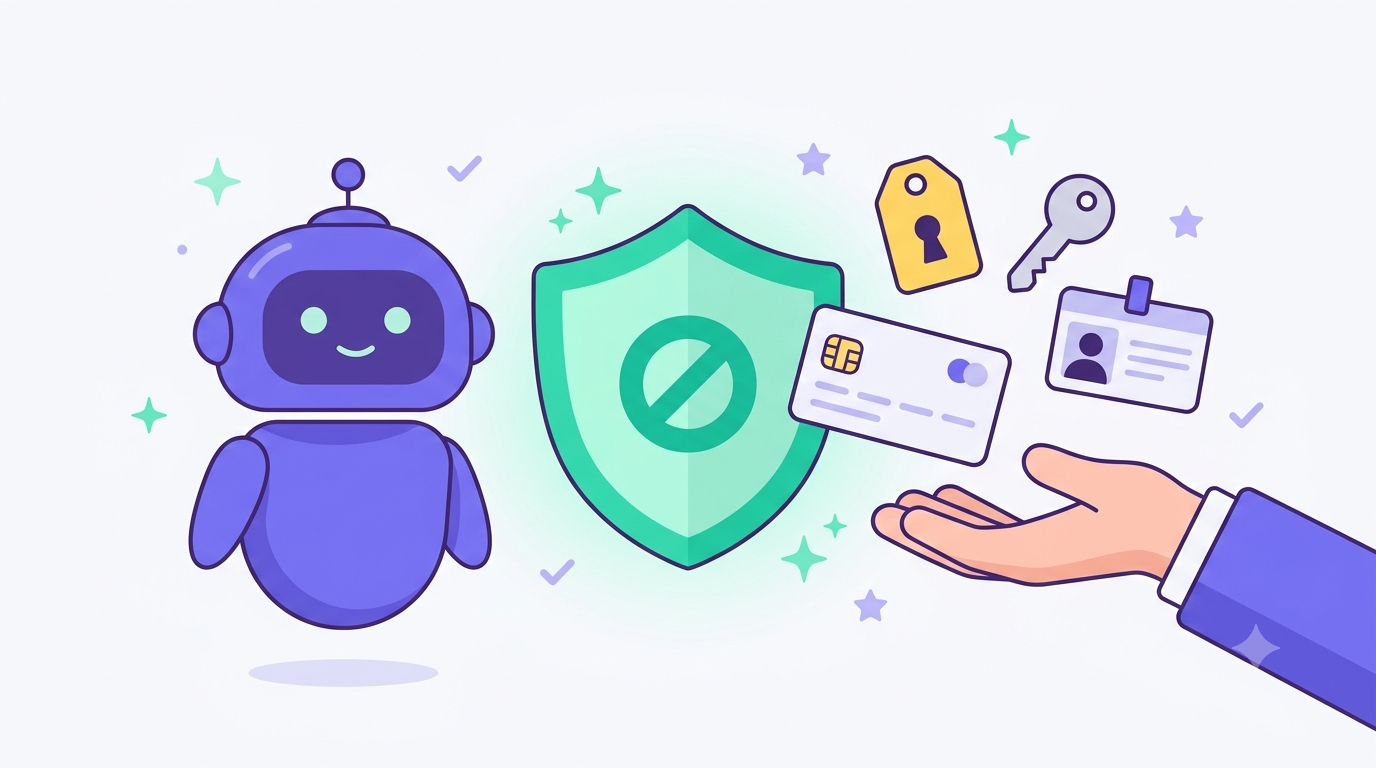
In plain English: Anything you type into an AI tool can be stored, used for training, logged, or — in the worst case — exposed by a bug or an attack. Sensitive stuff like passwords, bank details, or health information has no business in a chat window.
Why this is a real risk
Three things can happen to what you type in — and a lot of people don’t realize it:
- Training: On the free, Plus, and Pro versions of ChatGPT, your conversations are used by default to improve the models — unless you turn that off. Your data could then resurface, in a reworded or anonymized form, in answers given to other users.
- Storage & leaks: Inputs end up in logs, on servers, in backups. Even reputable providers have had technical slip-ups where user data became visible to other people (more on that below).
- Prompt injection: If an AI also has access to documents, emails, or the web, the prompt injection attacks from Part 1 can be used to siphon out exactly the data you fed it earlier.
The takeaway is simple: treat every AI chat as if it could accidentally be made public. If that thought makes you wince, the information doesn’t belong in there.
The 7 types of data that don’t belong in any AI chat
1. Passwords, API keys, and 2FA codes
The classic — and the most dangerous, because it’s instantly exploitable. Type a password, an API key, or a one-time verification code into a chat, and you’ve effectively handed it over. Even if “nothing happens,” the key now sits in your chat history and possibly in logs, so treat it as compromised and rotate it.
2. Bank, credit card, and financial data
Account numbers, card details, pay stubs, tax documents with full figures and account info — none of that belongs in a chat window, not even “just to do the math” or “so the AI can help with my taxes.” For those tasks, anonymize the numbers or use placeholders.
3. ID numbers, Social Security numbers, and personal data
Passport or ID numbers, Social Security or tax IDs, a date of birth combined with a full name and address — these are the classic ingredients for identity theft. Even if you “only” want an official letter summarized, black out or replace the ID numbers first.
4. Health data
Diagnoses, medication lists, lab results, mental-health notes — ChatGPT and similar standard tools aren’t built for this. OpenAI’s developer terms explicitly say apps built on the platform may not process health data as defined by the U.S. health-privacy law HIPAA — a strong hint that the standard product isn’t meant for it. GDPR compliance isn’t automatic with normal use either. For health questions: anonymize, or better yet, leave it out.
5. Company secrets, source code, and customer data
This isn’t hypothetical — it has already happened (see the Samsung case below). Internal source code, unreleased product plans, customer databases, or draft contracts with third parties don’t belong in a public AI tool, unless your company has set things up properly through a Business or Enterprise account with the right data-protection guarantees.
6. Other people’s private contact details
Typing in the addresses, phone numbers, or emails of friends, coworkers, or customers is a double problem: you’re exposing not just your own data, but someone else’s — without their consent. If you want AI help writing, say, an invitation or a contact entry, swap the names and details for placeholders first.
7. Confidential documents and contracts
Employment contracts, NDAs, leases, divorce agreements, internal meeting minutes: these often bundle several of the data types above at once. If you want a summary or some wording help, redact the names, figures, and reference numbers or replace them with placeholders first.
Two cases that show the risk is real
Samsung bans ChatGPT after a source-code leak (2023)
In early May 2023, Bloomberg and others reported that Samsung Electronics had banned employees from using ChatGPT and other AI chatbots on company devices and its internal network. The trigger was an April 2023 incident: an engineer had pasted sensitive internal source code into ChatGPT to get help with a bug. Samsung responded with an internal memo that flat-out prohibited generative AI tools on company hardware and networks, and it also asked staff not to share company information with such services even on personal devices. Its reasoning: once data is submitted, it sits on external servers, is hard to retrieve or delete, and could potentially become visible to other users.
OpenAI’s own bug (March 2023)
On March 20, 2023, OpenAI had to take ChatGPT offline after a bug in the open-source library redis-py caused canceled requests to serve mismatched cached data to other users. In its own blog post, OpenAI admitted that during a roughly nine-hour window (1–10 a.m. Pacific time) some users could see chat titles from other people’s history. For about 1.2% of the ChatGPT Plus subscribers active during that window, first and last name, email address, billing address, and the last four digits and expiration date of a credit card were also visible to other users. Full credit card numbers were never exposed, according to OpenAI. The case shows that even without a hacker and without any mistake on your part, data sitting in an AI tool can be exposed by a simple software bug.
How to protect yourself in practice
- Turn off training or use a temporary chat: In ChatGPT’s settings under “Data controls” you can switch off using your chats for model training. Alternatively, “Temporary Chat” mode keeps the conversation out of training and out of your history from the start — though for safety reasons OpenAI still keeps a copy for up to 30 days before deleting it automatically.
- Consumer version ≠ API/Business: On ChatGPT Business (formerly Team), Enterprise, and via the API, your inputs are not used for training by default, according to OpenAI — unlike Free and Plus accounts, where you have to actively opt out.
- Placeholders instead of real data: Replace names, numbers, keys, and account details with placeholders like “Customer A” or “XXXX-1234” before pasting text in for editing.
- Share the minimum: Give only as much context as the task actually needs. Does the AI really need the whole contract, or is an anonymized excerpt enough?
- Treat every chat like a public space: The simplest rule of thumb — don’t type anything into an AI that you wouldn’t be comfortable pinning to the office bulletin board.
Frequently asked questions
What should you never type into ChatGPT?
Basically anything that could do real damage if lost or misused: passwords, API keys, 2FA codes, bank and credit card details, ID and Social Security numbers, health data, company secrets and source code, other people’s private contact details, and confidential contracts or documents.
Does ChatGPT store my data?
Yes. Conversations are saved unless you use Temporary Chat mode or delete them manually. Even in temporary mode, OpenAI keeps a copy for up to 30 days, for safety reasons, before deleting it automatically.
Does OpenAI use my inputs for training?
On free, Plus, and Pro ChatGPT accounts: yes by default, unless you turn it off in Data controls or use Temporary Chat. On ChatGPT Business (formerly Team), Enterprise, and the API, OpenAI applies the opposite default: no training use unless you actively opt in.
Is ChatGPT GDPR- or HIPAA-compliant?
No, not automatically. The standard versions of ChatGPT don’t offer the guarantees HIPAA requires for health data in the U.S. — OpenAI’s developer terms even prohibit apps on the platform from processing HIPAA-defined health data. The same principle applies to the GDPR: without separate contractual arrangements (for example in a business setting), normal use isn’t automatically compliant for especially sensitive data.
Can I delete data I’ve already entered?
You can delete individual chats; according to OpenAI they’re then removed from its systems within 30 days, unless there’s a legal obligation to keep them. But there’s no guarantee that data already processed or cached is fully and instantly wiped from every system — which was exactly the concern that pushed Samsung to ban AI tools.
Keep reading: how attackers manipulate AI through prompt injection, how to catch AI hallucinations, and more on AI safety and privacy.